
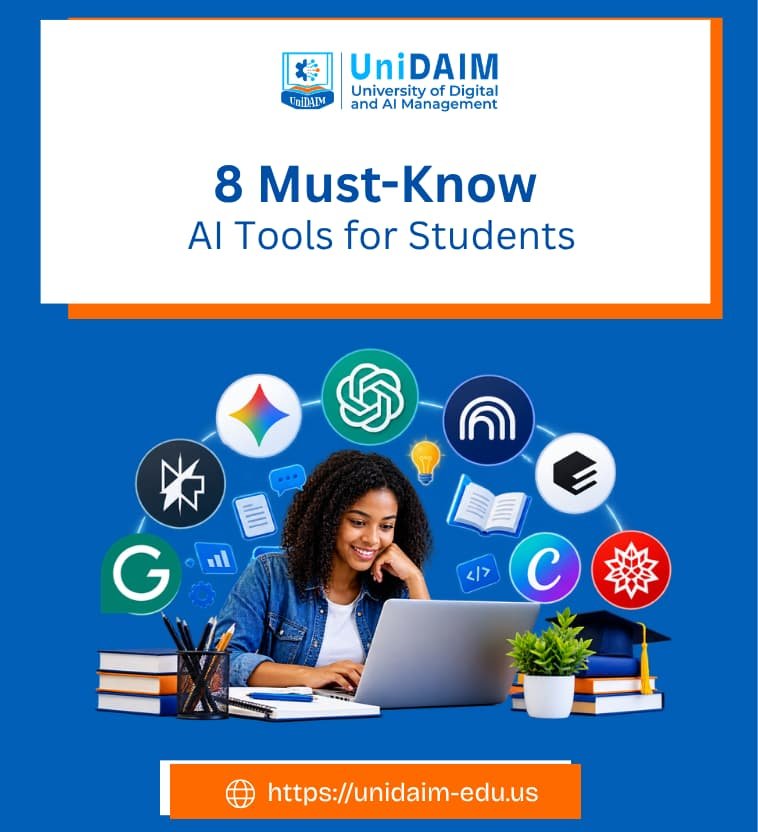
Artificial intelligence is changing the way students learn, research, write, organize information, and prepare for academic and professional life.
AI tools can explain difficult concepts, summarize lengthy materials, help with research, improve writing, generate practice questions, and even support presentations and creative projects.
However, knowing that AI exists is not enough. Students need to know which tools are useful, what each tool is designed to do, and how to use them responsibly.
The following AI tools are worth knowing if you are a student in today’s digital learning environment.
- 1. ChatGPT: Your AI Study Partner
- 2. Google Gemini: AI for Learning and Productivity
- 3. NotebookLM: Turn Your Study Materials Into a Learning Assistant
- 4. Perplexity: AI-Powered Research and Search
- 5. Elicit: AI for Scientific Research
- 6. Grammarly: Improve Your Academic Writing
- 7. Canva AI: Create Better Presentations and Visual Projects
- 8. Wolfram|Alpha: A Powerful Tool for Mathematics and Quantitative Subjects
- How Students Should Use AI Responsibly
- Final Thoughts
1. ChatGPT: Your AI Study Partner

ChatGPT is one of the most versatile AI tools available to students.
It can help explain difficult concepts, generate study questions, review notes, brainstorm ideas, assist with coding, summarize information, and provide feedback on written work.
One particularly useful feature for students is Study Mode.
Instead of simply providing an answer, Study Mode can guide students through a problem, ask questions, provide hints, explain concepts step by step, and check their understanding.
It can also work with uploaded course materials such as notes, PDFs, worksheets, and images.
For example, instead of asking, “What is organizational behavior?” a student could ask:
“Teach me organizational behavior as if I am a first-year business student. Explain one concept at a time and quiz me after each section.”
This approach encourages learning rather than simply obtaining answers.
Best for: studying, explanations, brainstorming, practice questions, writing support, coding, and exam preparation.
2. Google Gemini: AI for Learning and Productivity
Google Gemini is another important AI assistant for students.
It can help with brainstorming, research, writing, summarizing documents, generating ideas, and learning new subjects.
Google has also developed Gemini for Education, which is designed specifically for educational environments.
Students can use Gemini for learning activities such as creating study guides, practicing questions, generating flashcards, and exploring concepts.
For students already using Google Workspace, Gemini can also fit naturally into familiar tools and workflows.
Depending on the educational setup, AI capabilities can be integrated into applications such as Docs, Gmail, Sheets, Slides, and other Google services.
This makes Gemini particularly useful for students who already rely heavily on Google’s productivity ecosystem.
Best for: learning, brainstorming, summarization, productivity, writing, and Google Workspace users.
3. NotebookLM: Turn Your Study Materials Into a Learning Assistant

Gemini NotebookLM is particularly useful when you want AI to work with your own sources.
Students can provide materials such as PDFs, documents, and web sources and use NotebookLM to ask questions about them, generate summaries, create study guides, and organize information.
Google describes Gemini Notebook as an AI research and thinking partner that can work from the sources a user provides.
This can be extremely useful when preparing for examinations.
Imagine you have uploaded a 100-page course reading.
Instead of asking a general AI chatbot about the subject, you can use your course material as the foundation and ask questions such as:
- “Summarize the major theories discussed in this document.”
- “Create 20 revision questions from these notes.”
- “Explain the difference between these two concepts.”
- “Identify the most important topics I should revise.”
The result is a more focused study experience based on the materials you are actually learning.
Best for: course notes, textbooks, PDFs, revision, document analysis, and research materials.
4. Perplexity: AI-Powered Research and Search
Students often spend hours searching for information online.
Perplexity combines conversational AI with search and can be useful when exploring a topic, finding sources, or getting an overview of a subject.
For students, one useful feature is Learn Mode, which is designed to encourage deeper understanding rather than simply returning an answer.
Perplexity’s Education Pro offering also includes features such as file and image uploads and access to research-oriented capabilities.
A student researching artificial intelligence, for example, could begin with a broad question and then use follow-up questions to investigate specific concepts, sources, or developments.
However, students should still open and evaluate the original sources. AI-generated citations should never automatically be treated as proof that a claim is correct.
Best for: online research, source discovery, current information, topic exploration, and research questions.
5. Elicit: AI for Scientific Research
For students working on research papers, dissertations, theses, or literature reviews, Elicit can be particularly valuable.
Elicit is designed specifically for scientific and academic research.
Its tools can search a large database of academic papers, summarize research, extract information into tables, and support systematic literature reviews.
Elicit currently states that its database contains more than 138 million academic papers and conference proceedings.
Instead of searching for random web pages, a student can formulate a research question and use Elicit to explore relevant academic literature.
For example:
“What factors influence employee adoption of artificial intelligence in organizations?”
Elicit can help identify relevant papers and organize information from the literature.
It can also provide sentence-level citations for AI-generated claims based on underlying papers.
This does not eliminate the need for students to read academic sources.
Rather, it can help them discover and organize literature more efficiently.
Best for: literature reviews, academic research, research questions, paper discovery, and evidence synthesis.
6. Grammarly: Improve Your Academic Writing

Good ideas can lose their impact when they are poorly communicated.
Grammarly provides AI-powered writing assistance that can help students improve clarity, grammar, spelling, tone, and overall writing quality.
Its student resources focus on using AI responsibly while maintaining the student’s own voice.
Grammarly also provides feedback designed to help students improve their writing rather than simply replacing it.
Students can use writing assistance when preparing essays, reports, emails, applications, presentations, and other academic documents.
The important distinction is between editing your work and outsourcing your thinking.
Students should develop the ideas, arguments, and conclusions themselves while using writing tools to identify areas that need improvement.
Best for: proofreading, grammar, clarity, editing, and improving written communication.
7. Canva AI: Create Better Presentations and Visual Projects
Academic communication is not limited to essays. Students regularly create presentations, posters, infographics, diagrams, social media projects, and other visual materials.
Canva’s AI capabilities can help students generate ideas and create visual content.
Canva also provides an AI skills course specifically for students, covering ways AI can support learning and creativity.
For example, a student preparing a presentation on sustainable business could use Canva to develop a presentation structure, create visual concepts, and improve the overall design.
AI should support the student’s message, not replace it.
The strongest presentations still depend on accurate research, clear arguments, and the student’s understanding of the subject.
Best for: presentations, infographics, visual assignments, posters, and creative projects.
8. Wolfram|Alpha: A Powerful Tool for Mathematics and Quantitative Subjects
Students studying mathematics, statistics, physics, engineering, economics, and related subjects may find Wolfram|Alpha particularly useful.
Its educational resources include step-by-step solutions and tools for exploring mathematical problems.
Wolfram|Alpha also provides a problem generator for creating practice questions and offers resources covering areas such as mathematics, physics, chemistry, biology, engineering, economics, and statistics.
Instead of using it simply to obtain a final numerical answer, students can use step-by-step functionality to understand the process behind a solution.
For quantitative subjects, this can make AI more useful as a learning companion rather than an answer generator.
Best for: mathematics, statistics, physics, engineering, economics, calculations, and practice problems.
How Students Should Use AI Responsibly
Having access to powerful AI tools does not mean students should use them to complete every assignment.
The most valuable use of AI is to strengthen learning, not eliminate learning.
Students should consider the following principles:
Use AI to understand, not just to answer
Ask AI to explain a concept, provide examples, quiz you, or identify gaps in your understanding. This encourages active learning.
Verify important information
AI systems can make mistakes. Check important facts against textbooks, academic papers, official websites, and other reliable sources.
Even OpenAI notes that Study Mode can make mistakes and recommends checking important information.
Protect your academic integrity
Always follow your university’s rules regarding AI. Some instructors may allow AI for brainstorming or editing but prohibit its use for generating submitted assignments.
Do not submit AI output blindly
Read, understand, edit, and verify anything AI produces before using it in academic work.
Your assignment should demonstrate your own knowledge and judgment.
Learn the skill behind the tool
AI tools change quickly. The most valuable skill is not knowing how to use one particular application but knowing how to ask good questions, evaluate information, verify sources, and think critically.
Final Thoughts
AI is increasingly becoming part of everyday academic life.
Students who learn to use these technologies responsibly can apply them across studying, research, writing, quantitative analysis, presentations, and professional development.
But AI should remain a tool for learning rather than a substitute for learning.
The goal is not to let AI do everything. The goal is to use AI to ask better questions, understand difficult subjects, explore information more efficiently, improve communication, and develop stronger independent thinking.
For today’s students, AI literacy is increasingly becoming part of digital literacy.
Learning how to work effectively with AI may therefore be useful not only for completing university assignments but also for preparing for the workplace.
At the University of Digital and AI Management (UniDAIM), where digital strategy and artificial intelligence are central to the learning experience, understanding these tools is part of preparing for an increasingly AI-enabled world.
SHARE